
Click to Pay with your BisB Visa Cards
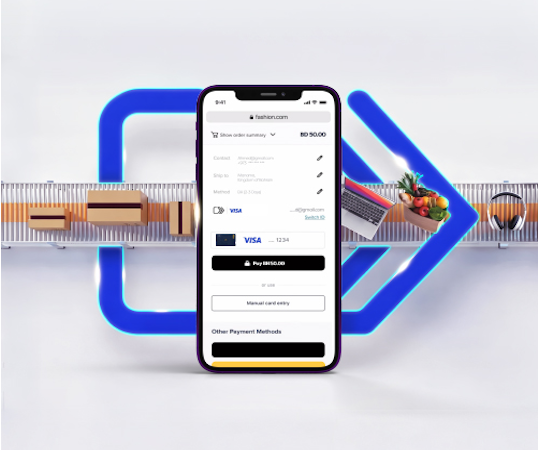
Enjoy a faster, safer, and more convenient way to shop online with Click to Pay using your BisB Visa card. Complete your purchases quickly without the need to enter your card details every time.
Click to Pay is a fast and secure online checkout method supported by
- Mastercard
- Visa
- American Express
- Discover
It securely stores the payment information, eliminating the need to manually enter the card details each time that the customer shop online. The customer can pay with any enrolled card wherever they see the Click to Pay icon.
Click to Pay is accepted at tens of thousands of merchants worldwide. Simply the customer needs to look for the Click to Pay icon at checkout to use the saved cards.
At participating merchants, Click to Pay automatically recognizes the email address or mobile number and gives the customer access to the saved cards for a faster checkout. If available, the customer can also select the Click to Pay button shown at checkout.
The security of our customers is our top priority. Our customer payment information is securely encrypted to help prevent fraud and identity theft. A verification code (OTP) is sent to the customer’s registered email address or mobile number to ensure that only the customer can access to the Click to Pay information.
Benefits
- Faster Online Checkout
Complete your purchases quickly with a simplified checkout experience. - Secure Encrypted Payment Details
Your card information is protected with advanced security and encryption. - No Need to Enter Card Details Every Time
Save time by skipping manual card entry at checkout. - Automatic Enrollment for BisB Visa Cards
All BisB Visa cards are automatically eligible for Click to Pay.
If you wish to opt out of, Click to Pay, please contact us on 17515151.